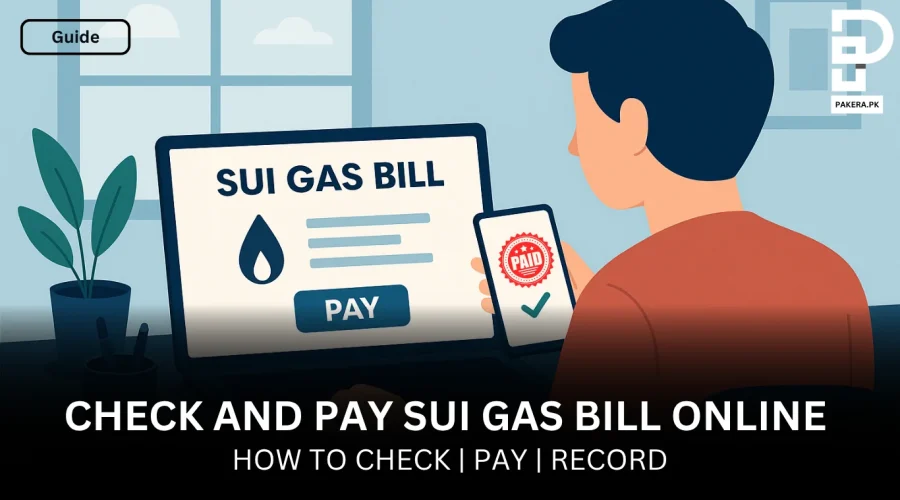
How to Pay Sui Gas Bill Online in Pakistan?
Have you ever found yourself standing in a long queue, waiting for hours, just to pay your SUI gas bill? If yes, you are not alone. This is one of the biggest problems for many Pakistanis. But the good news, things have changed today.
Now you don’t have to stand in long queues and wait for hours to pay your Sui gas bill; you can simply pay it online using different methods and steps, without even leaving the comfort of your home.
Yes, that’s true. Whether you are traveling somewhere, working in your office, or just relaxing at home, you can pick up your phone and pay your SUI gas bill online in just 2 minutes. But how?
Let’s break down different methods and steps to make things easy.
Why Even Pay Your Sui Gas Bill Online?
Before we learn how to pay the Sui gas bill online, let’s understand why you should even pay your bill online.
- No need to visit banks
- Pay anytime (even at night)
- Avoid long queues
- Payments process quickly
- Get instant confirmation
- Most platforms are encrypted
- Get digital proof of payment
- Pay within minutes
Read More: How to Download Duplicate Electricity Bill
What Do You Need Before Paying Your Sui Gas Bill Online?
Before paying your gas bill online, there are a few things you must need.
- Your Sui gas bill
- A smartphone, laptop, or computer
- Internet connection
One of the following:
- Mobile banking app
- Internet banking
- Debit/credit card
- Mobile wallet
Step-By-Step Guide to Pay Sui Gas Bill Online
Let’s discuss all the steps to pay your Sui gas bill online in Pakistan:
Step 1:Check Your Sui Gas Bill Online
Don’t have a physical bill? No problem. It’s simple; you can check it online. Follow these steps:
Visit the official website of your gas company:
- SNGPL (for Punjab, KPK)
- SSGC (for Sindh, Balochistan)
- Enter your consumer number
- Click on “View Bill.”
After that, you will see:
- Current bill amount
- Due date
- Billing details
Make sure you download the bill for reference.
Read More: How to Pay Electricity Bill Online in Pakistan
Step 2: Choose Your Preferred Payment Method
There are different methods to pay your SUI gas bill online. So, choose the method that suits you the best.
- Mobile banking apps
- Internet banking
- Mobile wallets
- ATM transfers
- Payment apps
Let’s discuss each method one by one.
Mobile Banking Apps
This is the most commonly used method. Here are the steps to follow:
- Open your bank’s mobile app
- Log in securely
- Go to “Bill Payments”
- Select “Utilities”
- Choose “Gas.”
- Enter your consumer number
- Verify bill details
- Click Pay
After that, you will receive a confirmation message or receipt.
Pay Via Internet Banking
If you have knowledge about the internet, you can follow this method as well.
- Log in to your bank’s website
- Navigate to the Bill Payment section
- Select the gas bill
- Enter your reference/consumer number
- Confirm the amount
- Submit payment
People prefer this method because it is easy, has fewer chances of errors, and you can easily track payment history as well.
Pay Through Mobile Wallets
Another method is paying the bill through mobile wallets.
Some popular wallet options are:
- EasyPaisa
- JazzCash
- SadaPay
- NayaPay
Steps:
- Open your wallet app
- Tap on Bill Payment
- Select Gas
- Enter your consumer number
- Confirm details
- Pay the bill
The benefits of using this method are that you don’t need a bank account, it is easy & quick, and you work 24/7.
Pay Using ATM
If you want a semi-digital option, paying bills using an ATM is also a great choice. Here’s how to do it:
- Insert your ATM card
- Enter PIN
- Select Bill Payment
- Choose Gas
- Enter your consumer number
- Confirm and pay
This method is best for people who are not comfortable with apps and want to pay quickly while outside.
Pay Via Debit or Credit Card
Many platforms allow direct payment using a credit or debit card.
The steps to follow are
- Go to a supported payment portal
- Enter your bill details
- Add your card information
- Confirm payment
But first, make sure the website is secure. Also, avoid public Wi-Fi while entering personal details.
Step 3: Confirm Your Payment
After paying your bill, confirm whether it went through or not.
- SMS confirmation
- App notification
- Email receipt
- Transaction history
Always save your receipt as proof.
Tips to Make Bill Payment Easy
If you are paying your SUI gas bill online, keep these tips in mind:
Set reminders
Add due dates to your phone calendar
Save bill details
Most apps allow saving consumer numbers
Pay early
Avoid last-day rush and server issues
Use trusted apps only
Stick to official banking apps or well-known wallets
Can We Automate Gas Bill Payments?
Many people wonder, can we automate gas bill payments in Pakistan?
The answer is yes!
How it works:
- Link your gas bill to your account
- Set automatic payment instructions
- The bill gets paid on the due date automatically
Why it’s useful:
- No late fees
- No stress about deadlines
Online Methods Vs. Traditional Methods
Let’s compare both methods so you can decide which is the best way to pay your gas bill in Pakistan:
Traditional method:
- Time-consuming
- Limited hours
- Long queues
Online method:
- Instant
- 24/7 access
- No hassle
Conclusion
Not just gas bills, you can even pay your electricity bill online in Pakistan. Things have already been made much easier for every consumer. So, paying your Sui gas bill online in Pakistan is no longer complicated. In fact, once you do it the first time, you’ll probably never want to go back to the old way.
Whether you choose mobile banking, a wallet app, or internet banking, the process is simple, fast, and reliable.